
Laptop Won't Turn On? Common Causes and Fixes
A black screen does not always mean a dead laptop. Here are the usual culprits and when to bring it in.
Laptops · Oct 10, 2026 · Family Wireless Cell Phone Repair
Short answer: a laptop that will not turn on is usually a power problem, not a dead machine. A failing battery, a bad charger, a loose power jack, or a static charge stuck in the board are the most common culprits — and most of them are fixable or free to rule out. Work through the checks below before you assume the worst.
First, figure out what "won't turn on" means
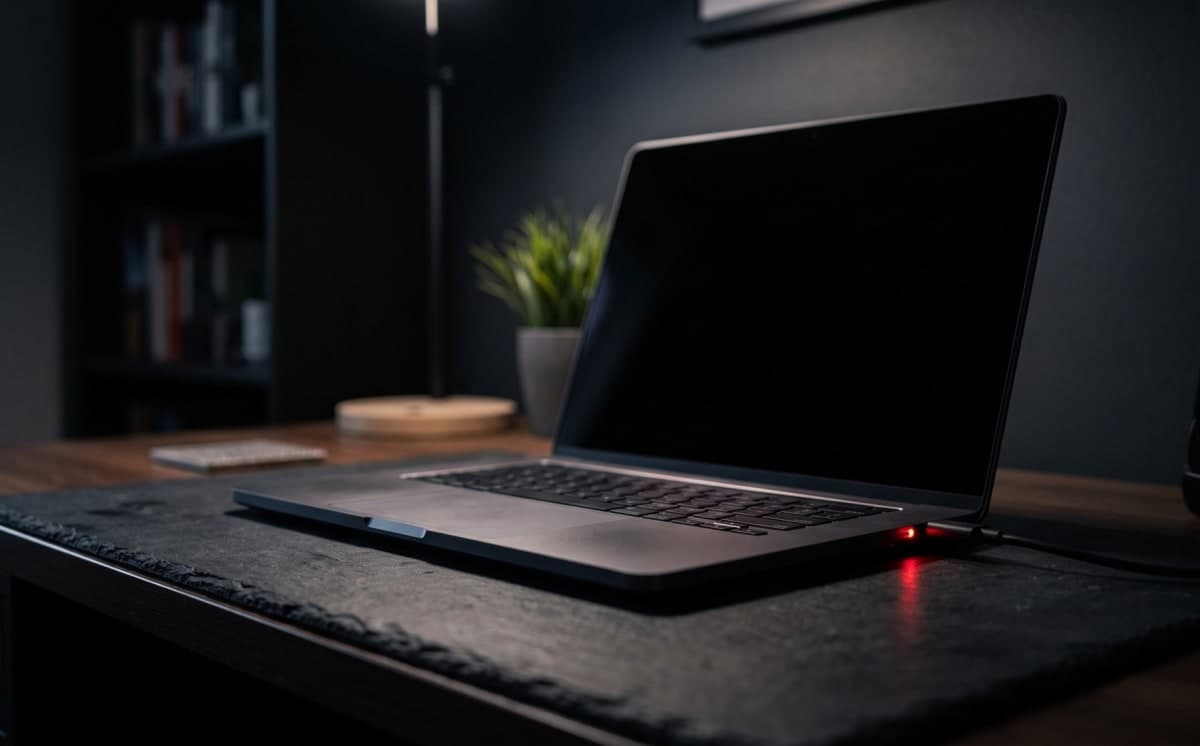
There is a big difference between a laptop that is completely dark and one that lights up but shows nothing. No lights, no fans, no sound usually points to power — the charger, battery, or power jack. Lights or fans but a black screen points to the display, the RAM, or the board instead. Noticing which one you have tells us where to look and saves you time.
Check the charger and power first
Start with the charger, because it is the most common cause. Try a different outlet, and if you can, a known-good charger of the right wattage for your model. Look for a charge light on the laptop when you plug it in. Inspect the cable where it meets the brick and the laptop — frayed or kinked cables and a swollen brick are dead giveaways. If a different charger wakes it up, you found the problem.
Try a power reset (it fixes more than you would think)
Laptops can get a static charge stuck in the board that blocks a normal boot. Clearing it often brings the machine back. Unplug the charger, remove the battery if your model lets you, then hold the power button down for 30 seconds to drain residual power. Put it back together, plug in, and try again. On many Windows laptops and MacBooks this single step revives a machine that seemed dead.
Rule out the screen
If you hear fans spin or see the keyboard light up but the screen stays black, the laptop may be running fine with a display or connection fault. Shine a flashlight at an angle across the screen — if you can faintly see the desktop, the backlight has failed rather than the whole machine. Plugging into an external monitor is the quick test: a picture there means the laptop works and the built-in screen or its cable is the issue.
When it is time to bring it in
If a known-good charger, a power reset, and an external monitor all come up empty, or the screen stays black while the fans run, it is time for a proper diagnosis. The same goes for any laptop that got wet, took a hard drop, or shows a swollen battery lifting the trackpad or case — stop using that one and bring it in, because a swollen cell is a safety issue. Our computer and laptop repair service tracks down the real cause — charging port, battery, RAM, storage, or board — and quotes the fix before we open the machine.
What drives the cost and the timing
Cost depends on what is actually wrong. A new charger or a port repair is modest; a battery is more; board-level work is the most involved. That is why we diagnose first and quote before any paid work — you decide with the number in front of you. Simple fixes are often same-day, while parts that have to be ordered for a specific model take longer, and we tell you which bucket yours falls into up front. Diagnosis in Dallas is quick — start with a free check-in.
Frequently asked questions
My laptop charges but will not turn on — what is that? Often stuck residual power or a RAM/board issue. Try the 30-second power reset first; if that fails it needs a diagnosis.
Will I lose my files if the laptop will not boot? Usually not. If the board has failed but the storage drive is healthy, your data can almost always be recovered — tell us it matters and we will prioritize it.
Is it worth repairing an older laptop? If it still meets your needs and the fix is a charger, battery, or port, repair is usually the better value. For board-level failures on a very old machine we will tell you honestly whether it is worth it.
Still stuck? Book a laptop repair at Family Wireless in Dallas and we will find the real cause before charging for anything. If the screen turned out to be the issue, our cracked laptop screen repair guide covers that next.
Need this fixed today?
Book laptop & computer repair and get a price before any work starts.